
One adult per photo
Each upload should show exactly one consenting adult. Group photos make the role ambiguous: the system cannot reliably know which face belongs in the scene.
Do not upload photos of children or anyone who has not agreed to have their likeness used for this purpose.
Make the face easy to read
Use a portrait where the face is clearly visible, with head and shoulders in frame. A straightforward front-facing or slight three-quarter view usually works better than a distant full-body shot.
Avoid sunglasses, heavy shadows, masks and filters that hide the face. Blurry screenshots and low-resolution crops give the generator less to work with.
Light and background
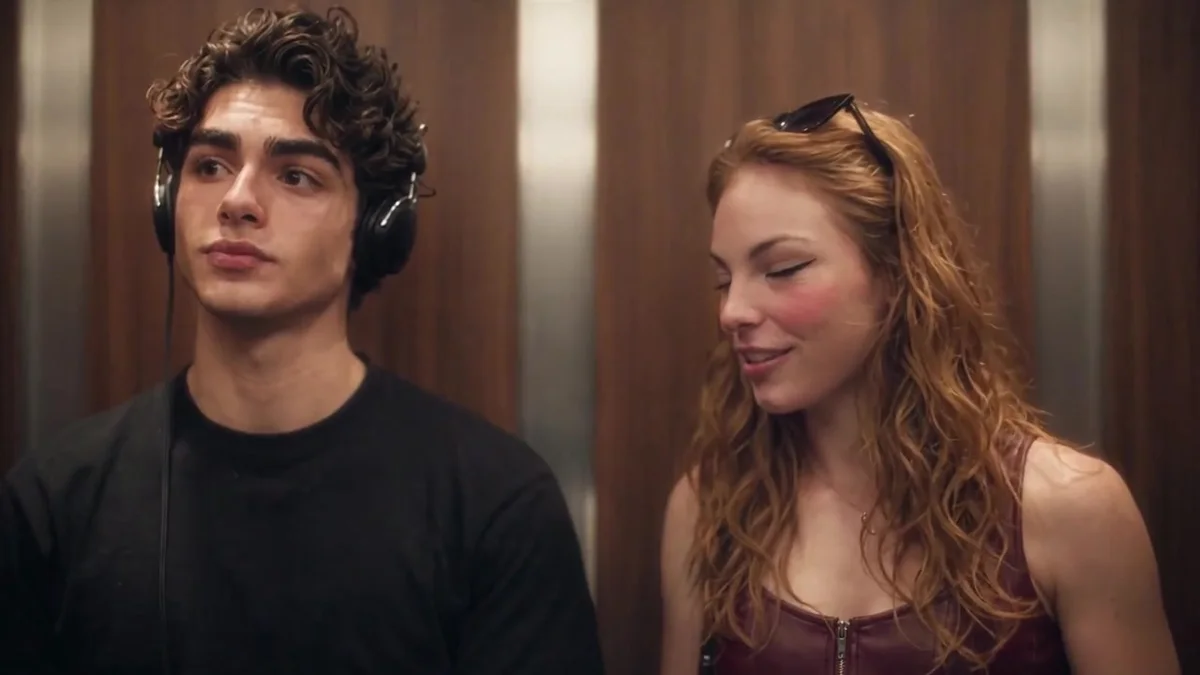
Even, soft light is more reliable than a strong backlight or a single harsh lamp. The elevator scene is stylized, so the background of your photo does not need to be an elevator.
A clean, uncluttered background can help, but the face and head are the priority. Do not spend time recreating the film set in your upload.
File types and size
Use JPG, PNG or WebP, up to 10 MB per image. The studio optimizes the long edge and file size before upload; the original file on your device is not changed.
If a photo is rejected, choose a clearer image rather than repeatedly retrying the same file. Face-visible, single-adult portraits have the best chance of passing the safety check.
Consent and privacy
Upload only photos you have the right to use. If you appear in the photo, you still need to agree to the personal-use terms. If someone else appears, you need their permission.
Portraits are stored privately for the order and become eligible for cleanup after generation or input expiry, normally three days after order creation; removal depends on the cleanup worker.
Common questions
Can I upload a group photo?
No. Use one adult per photo so the role is unambiguous.
What size should the photo be?
Up to 10 MB, in JPG, PNG or WebP. A clear head-and-shoulders portrait is more important than a huge file.
Cast the headphone listener and the optional person who says the line. Check the final price and create your own elevator meet-cute.
Try the video studio →