
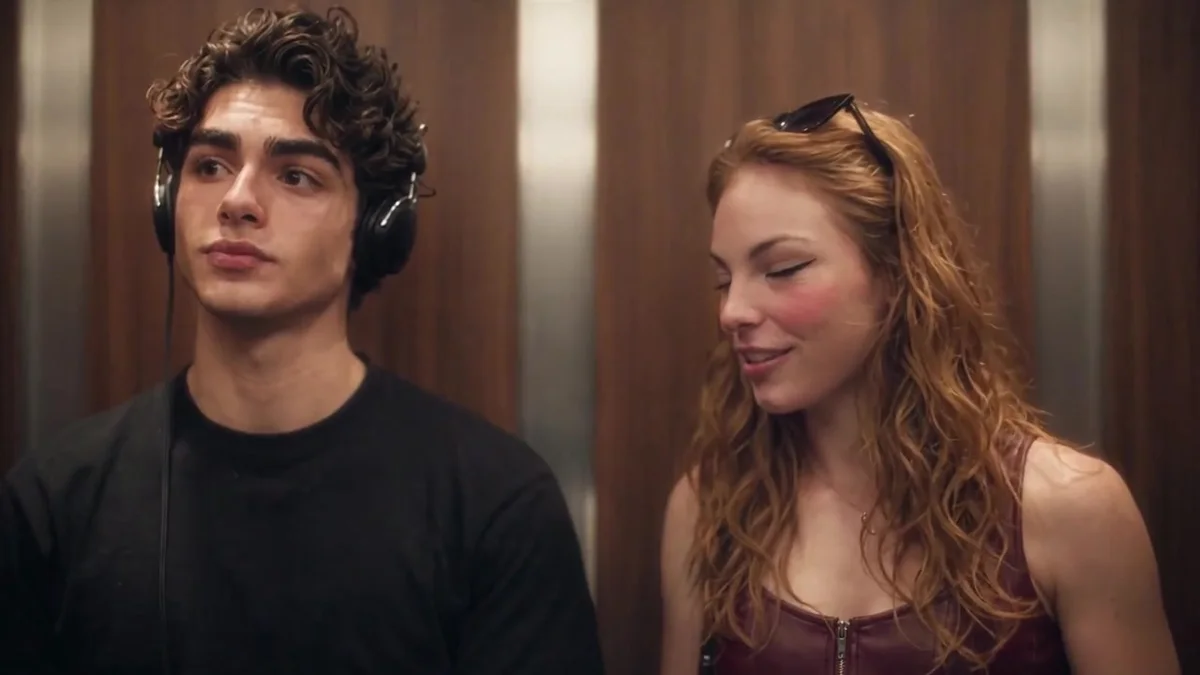
 REFERENCE FRAME · 01
BEAT 01
Headphones on
The listener stands in the elevator, lost in The Smiths through a pair of headphones.
TWO PHOTOS. ONE ELEVATOR. ONE LINE.
Create your own I Love The Smiths AI video: upload two clear adult portraits and turn the elevator meet-cute into a personalized scene. Photo 1 is the headphone listener; Photo 2 is the person who turns, smiles and says the line. Choose a format and review the one-time price before checkout; no prompt writing or app installation needed.
Choose a clear adult portrait for Photo 1, the headphone listener. Add a second adult for Photo 2 if you want to cast the person who says the line. Tap either portrait to choose your own photo.
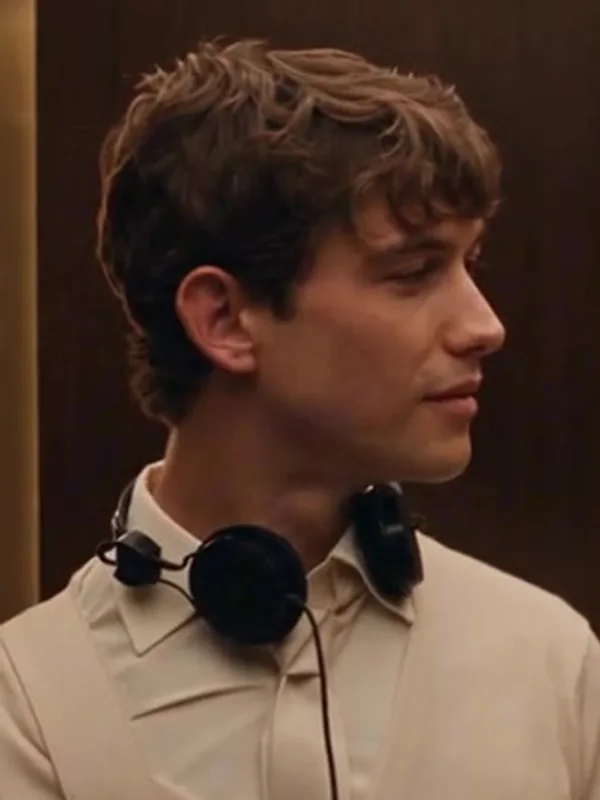
This person stands in the elevator wearing headphones. Add one clear portrait of yourself or a consenting adult; the scene supplies the headphones.
See how the two roles work →The second person turns, smiles and says “I love the Smiths.” You do not need a second photo: the reference character can appear instead, and AI may vary their appearance.
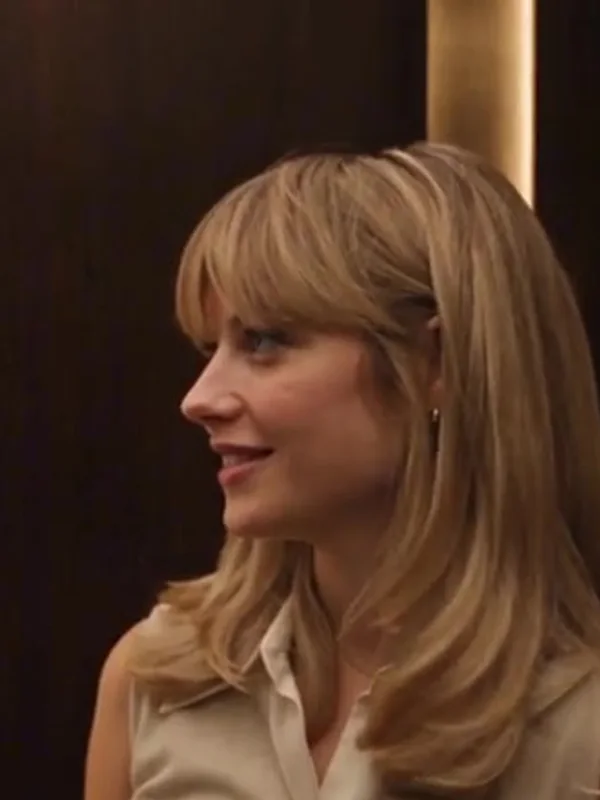
Optional: tap the portrait to replace the reference character with a consenting adult. Without an upload, an exact face is not guaranteed.
Start with Photo 1. One adult per photo. Clear JPG/PNG/WebP up to 10 MB. Photo 2 is optional and casts the person who says the line.
Your completed MP4 runs 24 seconds and includes the configured reference soundtrack. No commercial-use license is included. No separate music license is included, and do not assume the original commercial recording is licensed. Made for personal entertainment and non-commercial social sharing; follow platform rules and applicable music and portrait rights. Personal-use terms.
Paid but your video wasn't delivered? Contact support with your video code. Verified technical or delivery failures may qualify for redelivery or a discretionary refund. After successful generation and delivery, subjective dissatisfaction alone does not guarantee a refund. Refund & delivery policy
0/2 roles filled — Photo 1 required. Your photos are used to create your video. Upload only photos of yourself or consenting adults. Photos are screened by AI before payment, stored privately and sent to the video provider only after payment is verified. Input photos become eligible for deletion after generation finishes or their input window expires, normally 3 days after order creation; removal depends on the cleanup worker. Finished videos have a separate 30-day download window from completion. Privacy details.
Demo video showing the intended effect. Your generated video will use the portraits you upload and may differ.
Generated videos from this browser will appear here when ready. Download each one within 30 days.
Two demo videos showing the intended I Love The Smiths effect. They play muted by default; tap the sound icon to listen. Individual AI results vary.
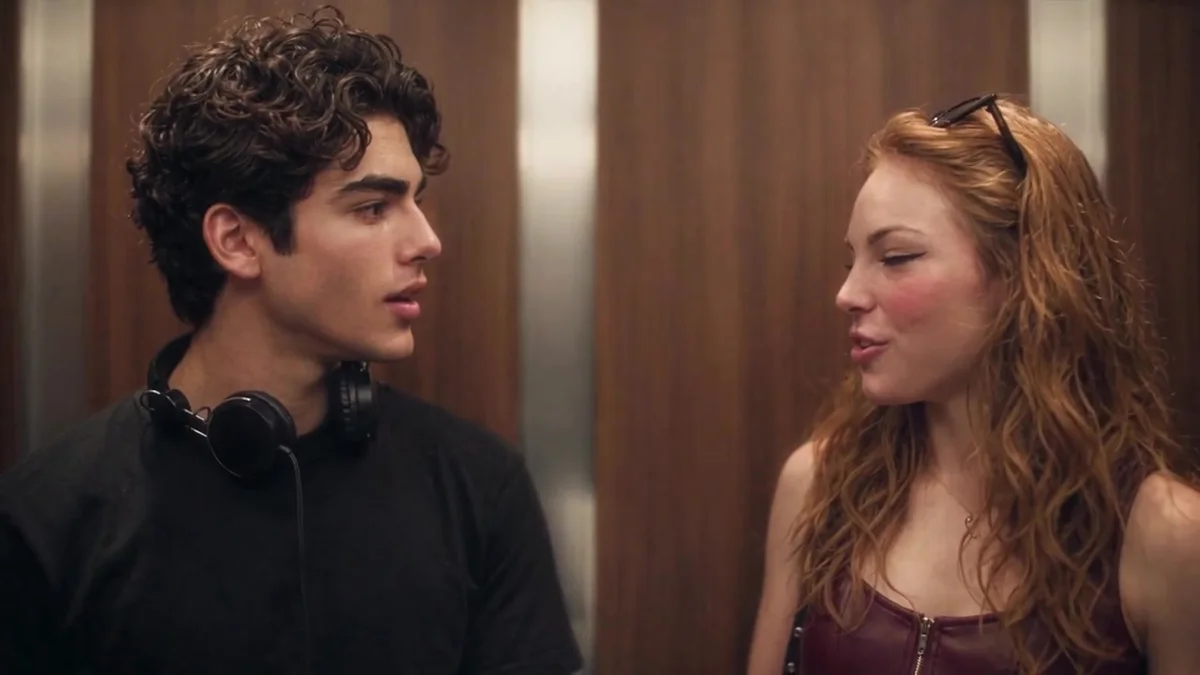
The I Love the Smiths meme borrows the elevator meet-cute from (500) Days of Summer: one person is wearing headphones, the other recognizes the song, and a simple “I love the Smiths” turns a stranger into a possibility. These frames come from our demo videos; they are not customer results.
REFERENCE FRAME · 01The listener stands in the elevator, lost in The Smiths through a pair of headphones.
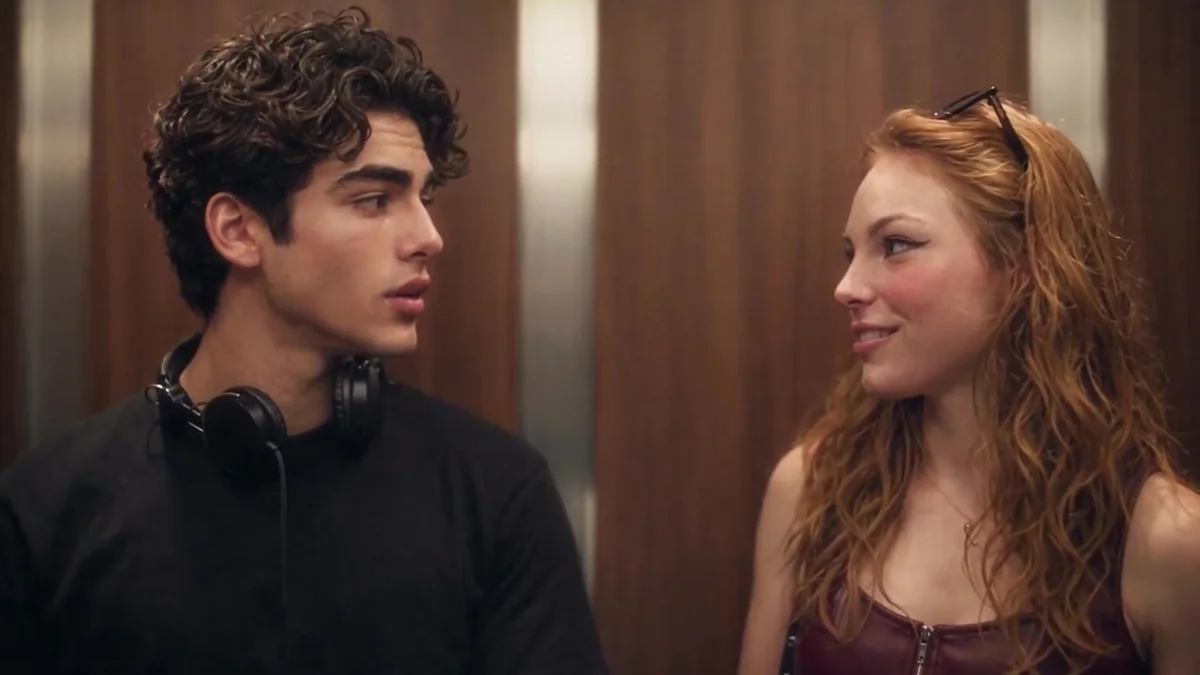 REFERENCE FRAME · 02
The other person notices, turns, and catches the listener's eye.
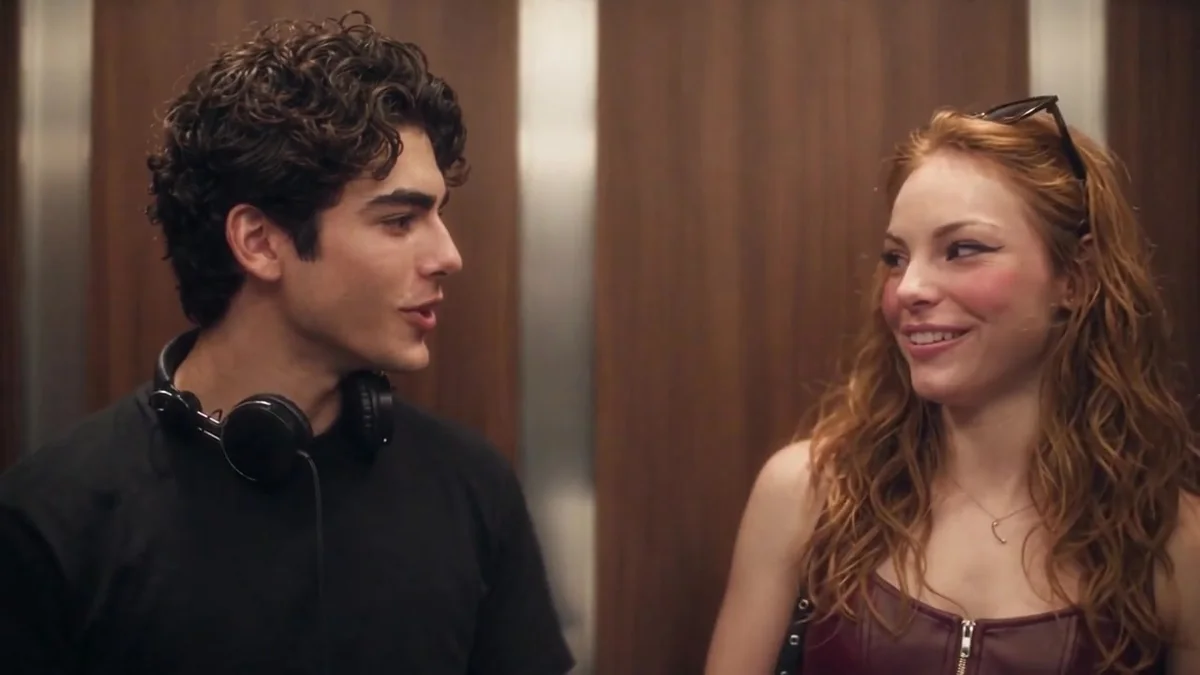
 REFERENCE FRAME · 03
A smile, then four words: “I love the Smiths.” Two strangers become a maybe.
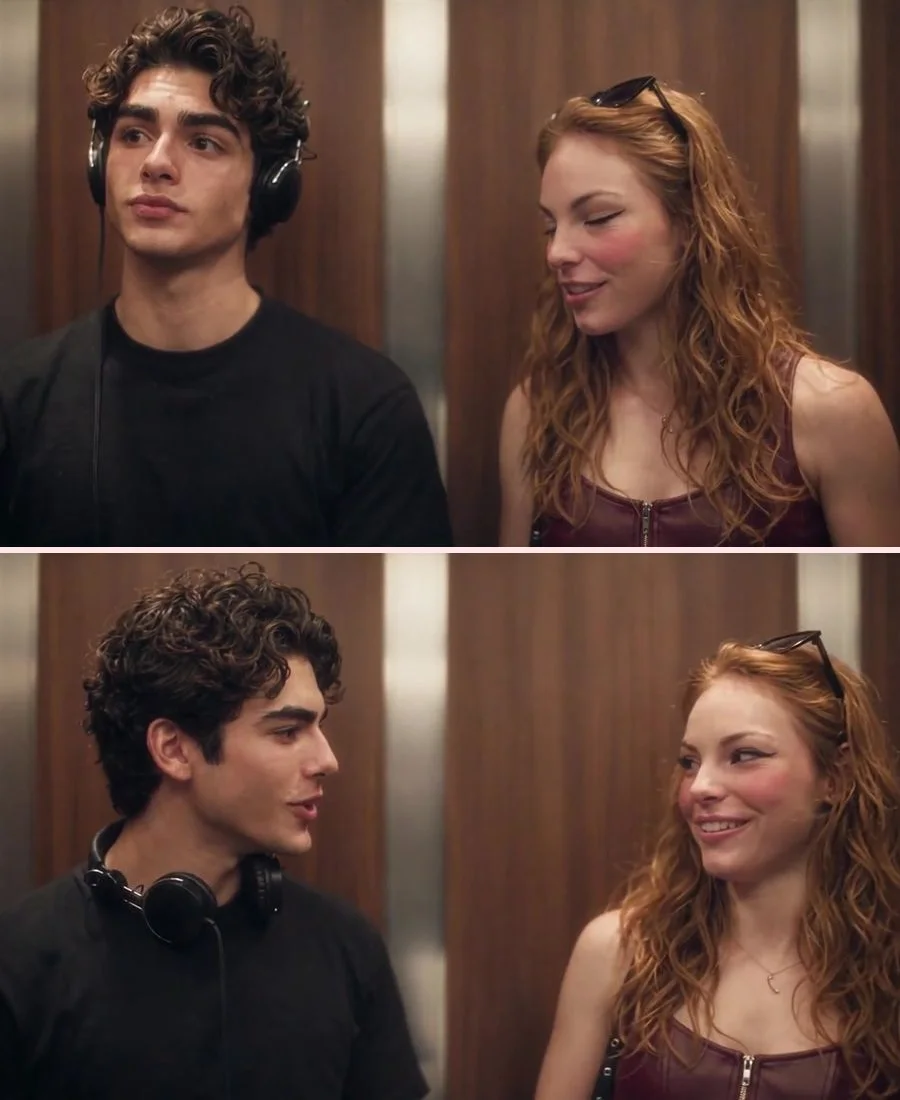
 REFERENCE FRAME · 04
A shared smile as the elevator doors close. The meet-cute is officially in motion.
Reference frames from our demo videos; they are not customer results. AI output may differ in identity, expression and motion.
I Love the Smiths is the moment when recognizing someone's music becomes a tiny romantic opening. The meme keeps the elevator, the headphones and the line, then lets creators cast themselves, a partner, friends or characters into the scene.
I Love The Smiths AI keeps that punchline while generating new video frames around your uploaded portraits. Choose who listens and who says the line. This is an independent recreation tool, not an official platform template or a copy of the original footage.
What is the meme? Which person goes where?Start with one adult portrait for the headphone listener. Add a second portrait to cast the person who says the line, then select a format and review your order before payment.
Choose a clear adult portrait for the person wearing headphones. The scene supplies the headphones; your photo supplies the face.
Optionally upload a second adult portrait for the person who turns and says “I love the Smiths.” Upload order sets the roles.
Select 480p or 720p and a vertical or horizontal frame. Review the one-time price, complete checkout and download within 30 days.
Photo 1 is the headphone listener. Photo 2 is the person who turns, smiles and says the line. The result is a new AI-generated scene, not an edit of the film clip.
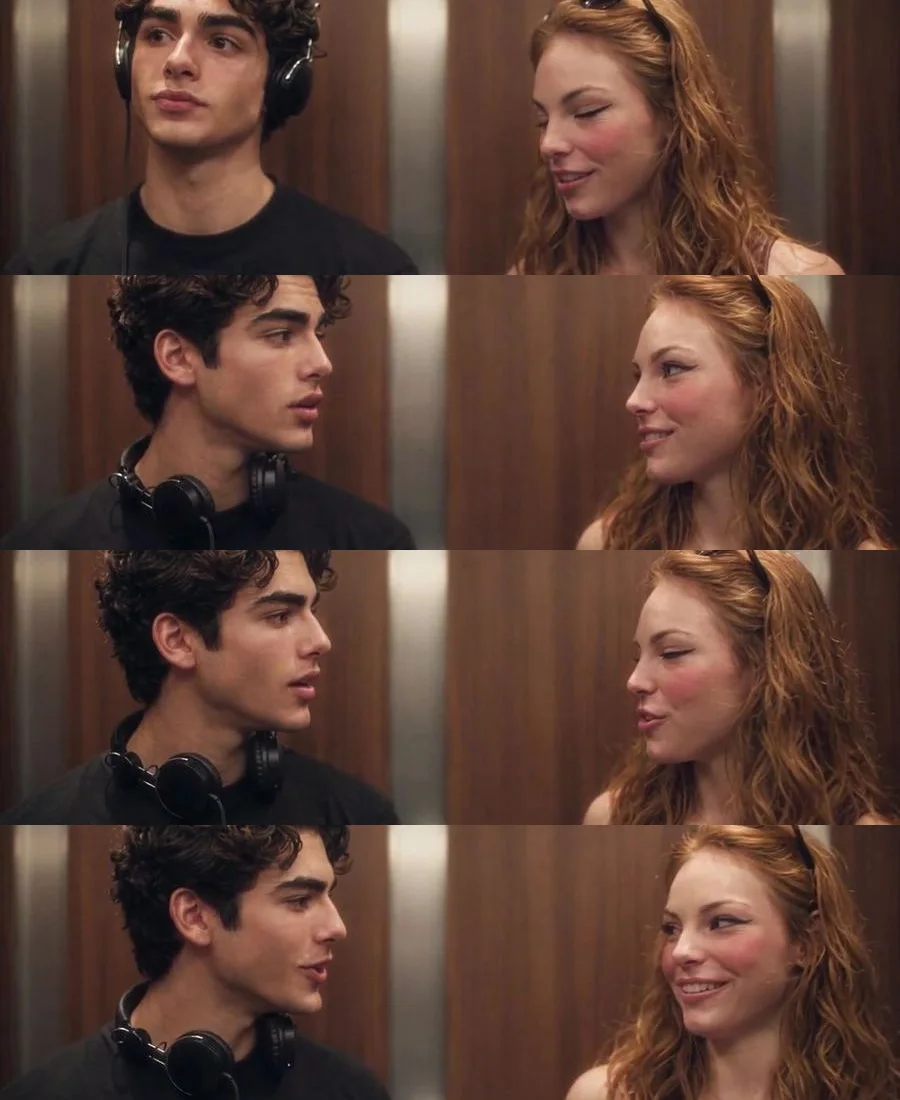
Reference frames from our demo videos, not customer photos or generated results. The current template is in transition; your delivered AI output can differ in faces, motion and timing.
One 24-second elevator meet-cute video per order, with no credits or subscription. Choose a resolution and aspect ratio; confirm the final price and availability before payment.
One elevator meet-cute video in 480p.
Make your videoOne elevator meet-cute video in 720p.
Make your videoOrders are charged only after you confirm payment on the secure checkout page. The delivered MP4 is 24 seconds.
In the I Love The Smiths meme, the headphones, the sideways look and the four-word line matter more than dramatic cuts. Here is what this generator is designed to do.
Understand the elevator meet-cute meme, prepare two adult portraits (Photo 2 is optional), and learn how to make a shareable vertical or widescreen video.
REFERENCE FRAMEThe I Love the Smiths meme explained: the elevator meet-cute, the headphones, the line and how the two-photo AI video trend works.
Read the guide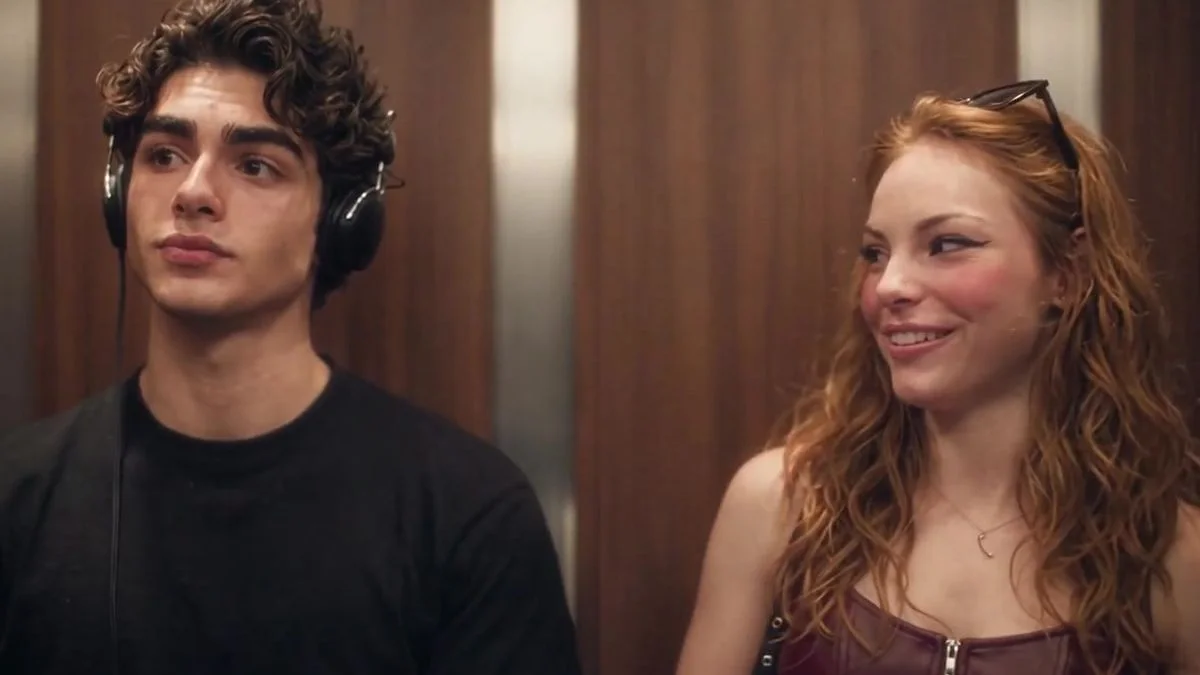 REFERENCE FRAME
A step-by-step guide to the two-photo elevator meet-cute video: choose the listener and the fan, pick a format, pay once and download.
Read the guide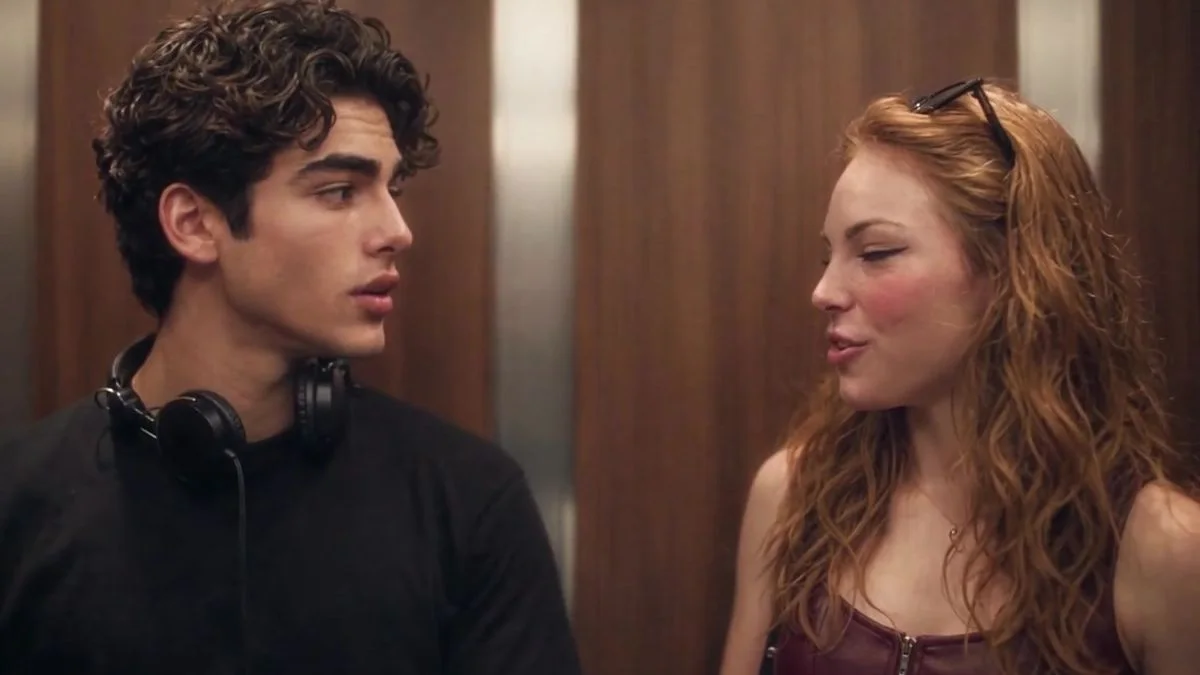 REFERENCE FRAME
Photo 1 is the headphone listener; Photo 2 is the person who says the line. Understand upload order, one-photo orders and how to cast couples or friends.
Read the guideREFERENCE FRAMEHow to choose portraits that work for the two-photo elevator video: one adult per image, clear face, even light, correct file type and consent.
Read the guideREFERENCE FRAMEAn AI video generator creates new frames from your photos; an editing template edits footage you already have. Compare the workflow, likeness and rights.
Read the guideREFERENCE FRAMEWhat song is in the elevator scene, whether the AI video includes the original recording, and how to share the result without overstepping music or portrait rights.
Read the guideHow to make the elevator meet-cute with your photos, what the AI generates, and what to expect before paying.
I Love The Smiths AI is a two-photo video generator inspired by the elevator meet-cute in (500) Days of Summer. Photo 1 is the person wearing headphones; Photo 2 is the person who turns, smiles and says “I love the Smiths.” The studio uses your portraits to create a new AI-generated scene, not an edit or face swap of the film clip.
Read the full guide →The scene is from (500) Days of Summer (2009), Day 4. Tom, played by Joseph Gordon-Levitt, is listening to The Smiths on headphones when Summer, played by Zooey Deschanel, recognizes the song and says “I love the Smiths.” The track referenced in the scene is “There Is a Light That Never Goes Out.” This site is independent commentary, not an official film or band product.
Read the full guide →No. I Love The Smiths AI is an independent, unofficial tool. It is not affiliated with the film, its actors or rights holders, The Smiths, TikTok, CapCut, Media.io or the original meme creators. We use the scene reference for commentary and do not publish film stills, band logos, album art or actor likenesses.
Read the full guide →Do not assume so. The current pipeline merges a configured reference soundtrack, not a licensed copy of the commercial recording. No separate music license is included, and the site does not reproduce lyrics. Personal, non-commercial sharing must still respect music and portrait rights and the destination platform's rules.
Read the full guide →The line works because it is small, specific and instantly revealing: one person recognizes the other's music taste, and that recognition becomes a connection. The AI trend keeps the elevator, the headphones, the glance and the line, then casts two new people in the scene.
Read the full guide →Upload a clear adult portrait to Photo 1 for the headphone listener, optionally add a second adult portrait for the person who says the line, choose 480p or 720p and 9:16 or 16:9, review the one-time price and confirm checkout. No prompt writing or app installation is needed.
Read the full guide →Photo 1 is the headphone listener. Photo 2 is the person who turns, smiles and delivers the line. Upload order sets the roles; it is not about gender. Reversing the photos swaps who listens and who speaks.
Read the full guide →Yes. Photo 1 is required and Photo 2 is optional in this build. If you leave Photo 2 empty, the reference character can appear in that role; an exact face and likeness are not guaranteed. Add both photos for a full two-person recast.
Read the full guide →Use one consenting adult per JPG, PNG or WebP image, up to 10 MB. Choose a clear face with head and shoulders in frame, even light and no sunglasses. Avoid group photos, heavy shadows and blurry screenshots. Photo 1 goes in the listener slot; Photo 2 is optional.
Read the full guide →The video is 24 seconds. Choose 480p or 720p and a 9:16 vertical or 16:9 horizontal frame. The finished MP4 is delivered in the original browser and can be downloaded within 30 days.
Read the full guide →Choose 480p (Standard) for $6.99 or 720p (HD) for $9.99, in a 9:16 vertical frame for Reels/TikTok or a 16:9 horizontal frame for YouTube. Each order produces one video in the selected format; the final price is confirmed at checkout.
Read the full guide →One video is listed at $6.99 for 480p or $9.99 for 720p, one-time. There is no subscription or credit pack. Guides and illustrations are free; personalized generation is paid. Confirm the final amount and availability before paying.
Read the full guide →The studio does not add its own branding watermark during final video assembly. This does not guarantee that an upstream AI result can never contain a mark or unwanted text. Check the delivered MP4 before sharing.
Read the full guide →Yes. Choose 720p ($9.99) before checkout for an HD MP4 in your selected 9:16 or 16:9 frame. Standard is 480p ($6.99). Download within 30 days; HD adds resolution, not a guarantee of better likeness or timing.
Read the full guide →No. Reference-guided generation can still change faces, hands, clothing and timing. This is a new AI-generated scene, not a frame-for-frame face swap or a copy of the film. The intended sequence is headphones, a glance, the line and a shared smile, but individual results vary.
Read the full guide →This studio is for personal entertainment and non-commercial social sharing. No commercial-use license is included. Do not use a purchase as permission for advertising, sponsored posts, client work, resale or other commercial use. Included music is not separately licensed to you; personal sharing must also respect rights and platform rules.
Read the full guide →There is no fixed completion time: the wait depends on the queue, video generation and soundtrack assembly. The finished clip is short; generation is not instant. Return in the same browser to check the order. Do not pay again while it is processing; keep your order reference for support.
Read the full guide →Completed videos appear in Generated videos for the original browser. Download your MP4 within 30 days of completion. Browser history is not a permanent backup. Optional email delivery is offered only when configured.
Read the full guide →Paid but your video wasn't delivered? Contact hello@lovethesmithsai.com with your video code. We review technical or delivery problems and may offer redelivery or a discretionary refund to the original payment method. After successful generation and delivery, subjective dissatisfaction alone does not guarantee a refund. Your statutory rights remain unaffected. Do not pay again while an order is pending.
Read the refund policy →Your photos are used to create your video. Upload photos of yourself or consenting adults. Portraits are stored privately and processed by our screening and generation providers for your order. They become eligible for cleanup after generation or input expiry, normally 3 days after order creation; actual removal depends on the cleanup worker. Third-party retention is separate. Download your finished video within 30 days of completion; see our Privacy Policy for details.
Read the full guide →Yes, the studio works in a mobile browser. Choose 9:16 for a tall frame or 16:9 for a wide frame. Keep the same browser and cookies to access your order and results.
Read the full guide →Choose a 9:16 vertical frame, upload your photos, complete checkout and download the MP4 when it is ready. Add your caption and any text in your own editor, then upload to the platform. This site does not post to social accounts.
Read the full guide →Yes, if you are both consenting adults and have permission to use each other's portraits. Decide who listens to the headphones and who says the line, then upload each person to that slot. The roles describe actions, not gender.
Read the full guide →Put your faces in a new I Love The Smiths AI video. Upload a headphone listener, optionally add the person who says the line, and make your own elevator meet-cute.
Make your video